What Is Katalyst? Auto Repair Software Explained
Learn how Katalyst connects photo-supported damage review, shop operations and payments, and which workflows to review during a demo.
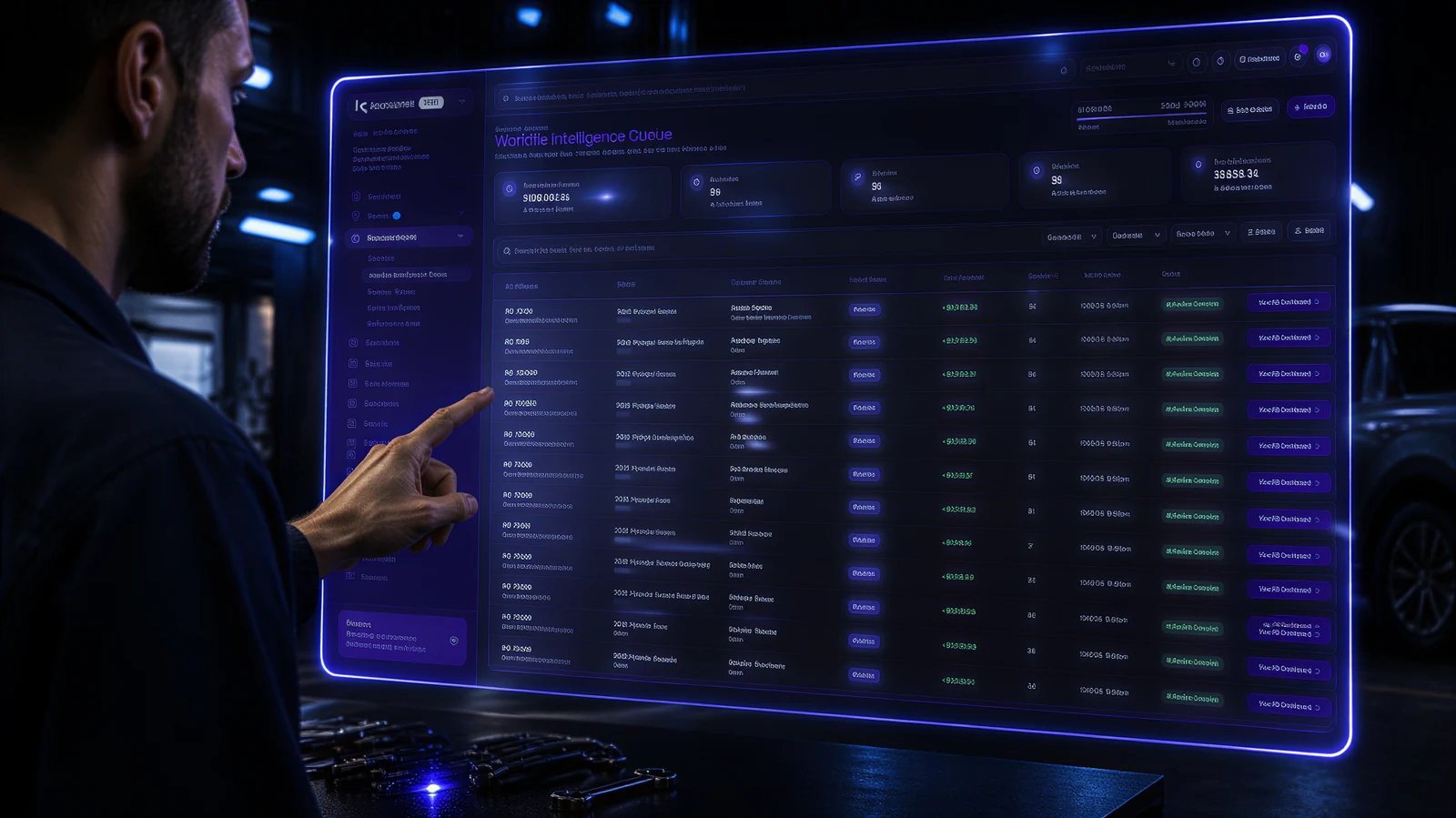
Katalyst is software for auto repair and collision shops. It does two things that most shop software keeps separate: it finds the damage nobody wrote down, and it runs the rest of the shop around that repair.
That combination is the whole idea. A shop's revenue problem is rarely that the work is missing. It is that the work was there, on the car, in the bay, and never made it onto the estimate. Katalyst exists to close that gap and then carry the repair through to payment.
The platform has two parts.
Fusion AI: damage detection from the customer's photos
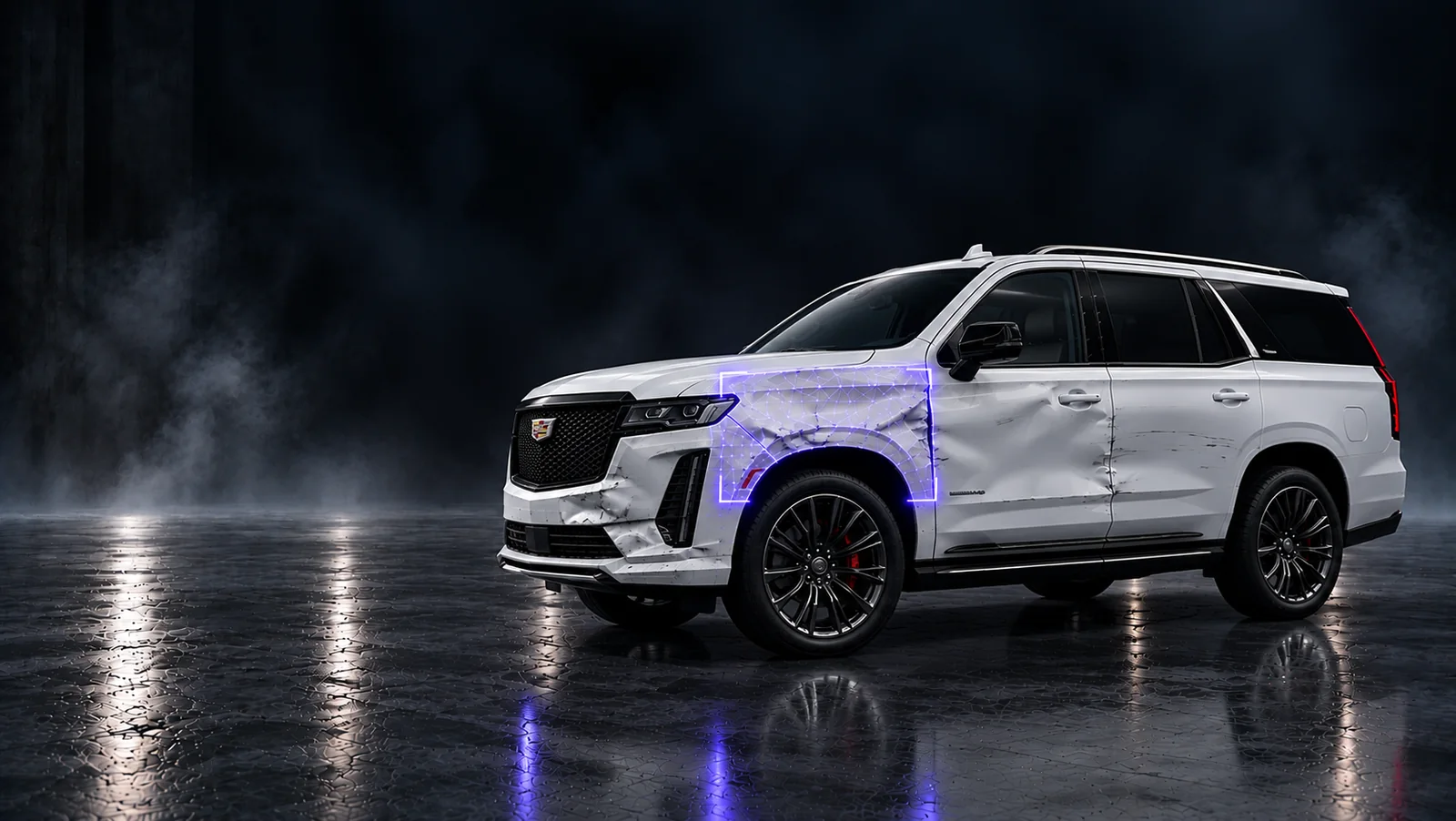
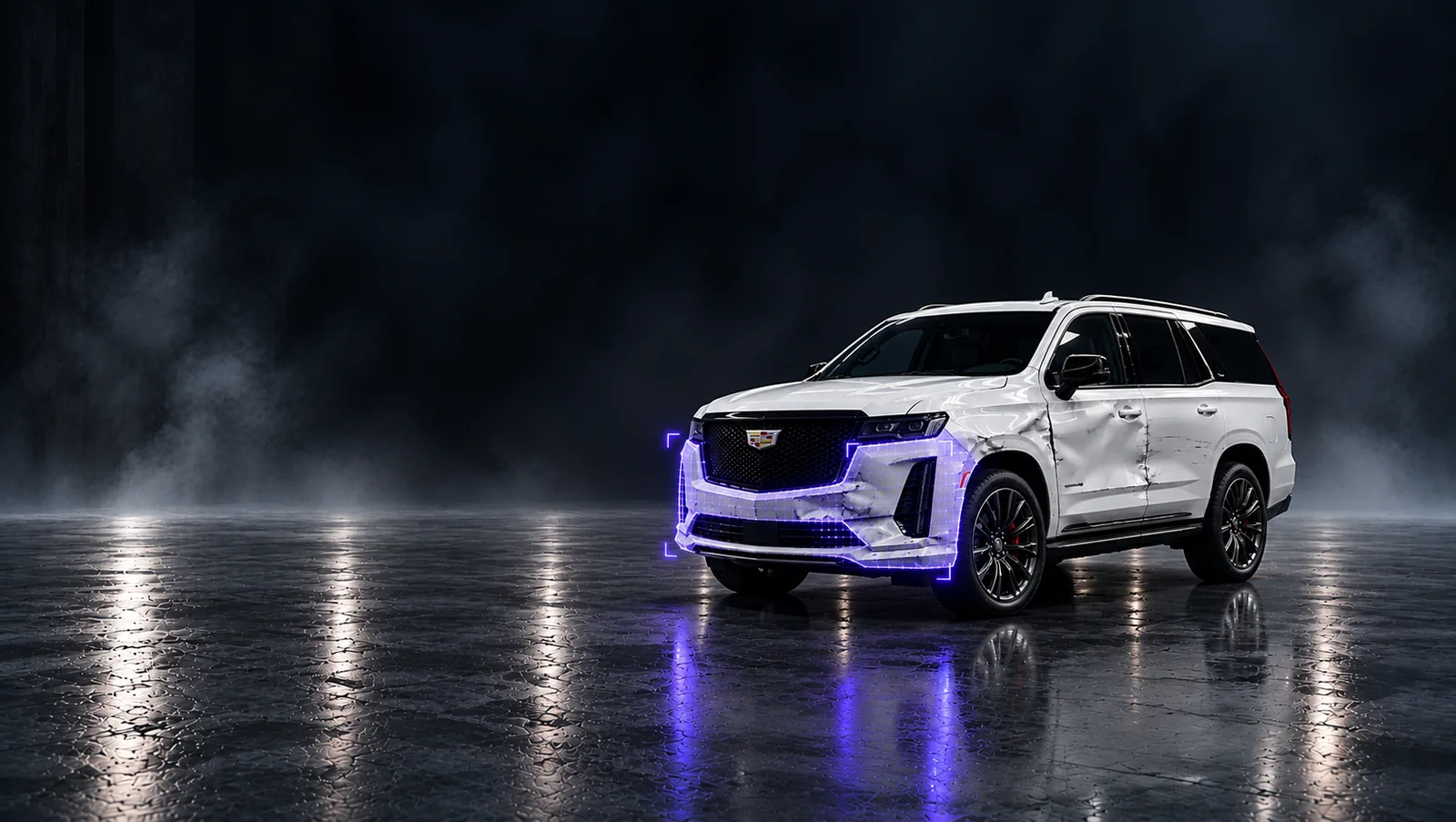
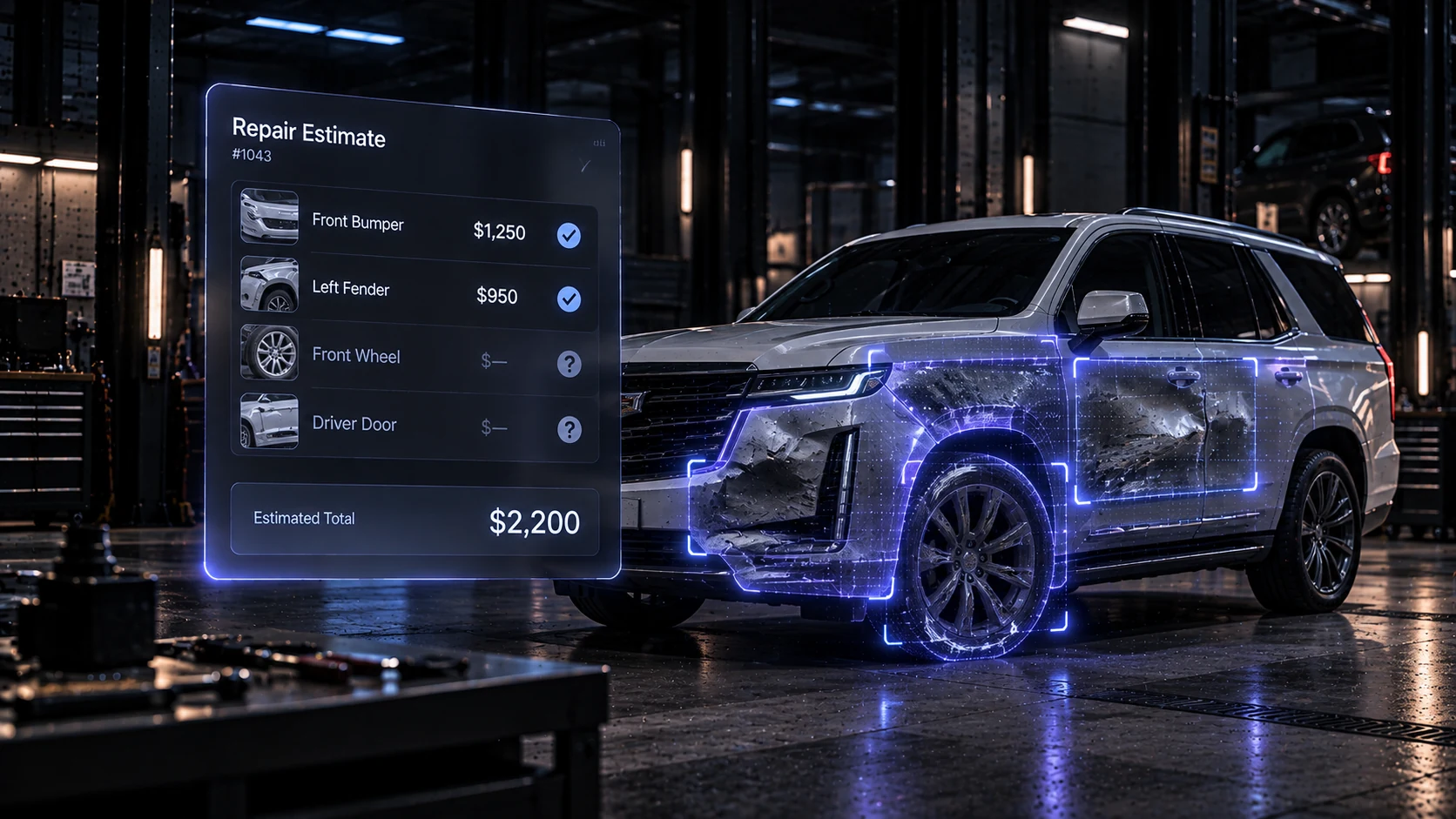
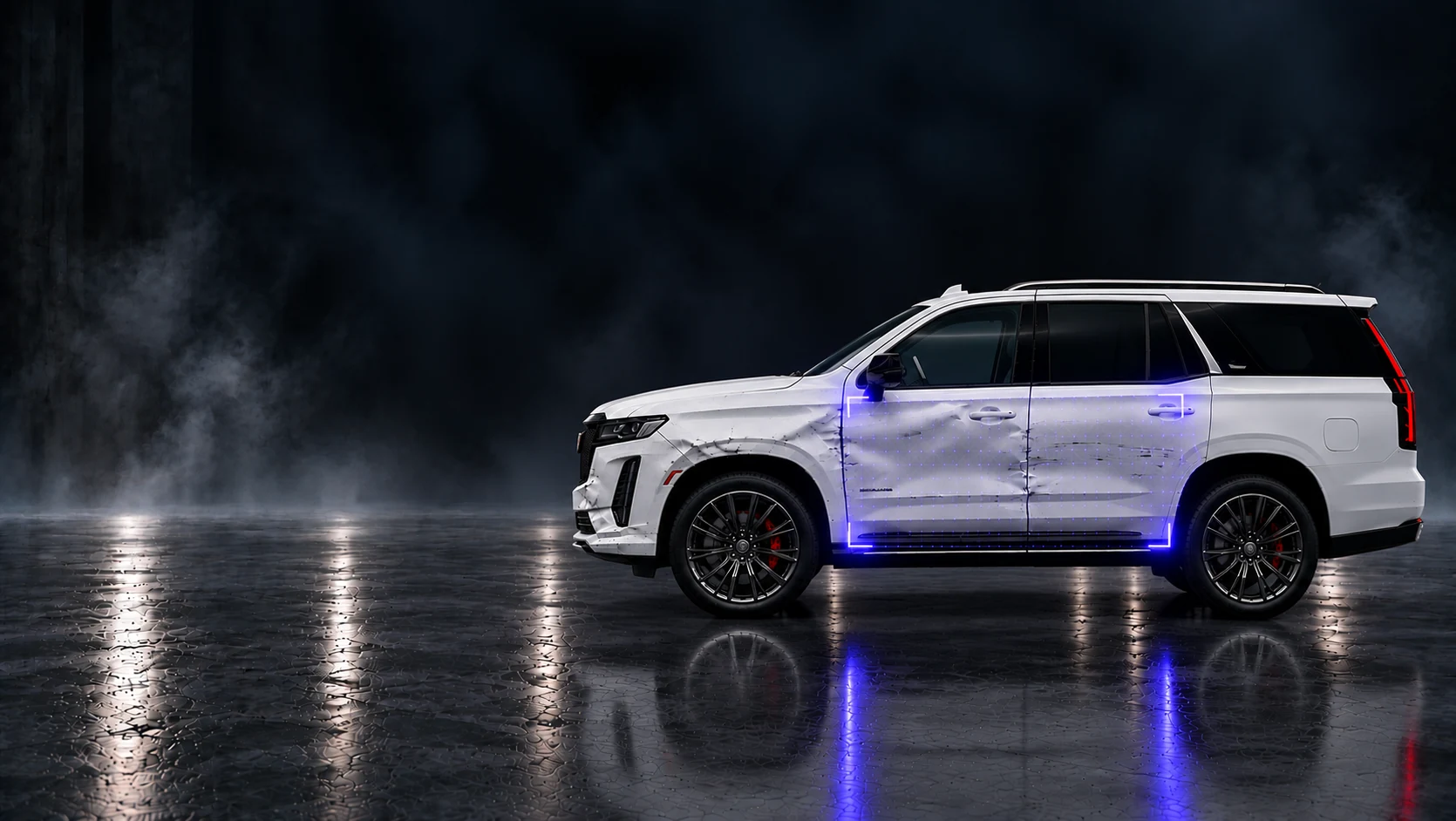
Fusion AI is the detection side. A customer takes a few photos of their vehicle in the Katalyst app and submits them. Within seconds, Fusion AI detects and maps the visible damage, produces a damage report and estimates the repair, then sends the job to the shop.
For the shop owner, the practical difference is timing. The inspection starts before the car is in the bay, and the estimate starts from a mapped report rather than a memory of a walkaround. Panels that a quick glance skips are flagged instead of missed.
For the customer, the difference is proof. They can see the damage that was found, in the photos they took themselves, which makes the conversation about the repair far shorter than a phone call about a supplement.
Hub: the rest of the repair
Hub is the operating side, and it covers the job from first contact to final payment:
- Leads and intake. Capture leads from calls, web chats and social messages in one place, so enquiries do not live in three inboxes and somebody's memory.
- AI chat. A chat assistant on your website answers questions, collects vehicle details and requests damage photos around the clock, including when the shop is closed.
- Estimates and repair orders. Keep the estimate tied to the damage report and the job, rather than in a separate document.
- Parts and inventory. Order repair products through the Katalyst Marketplace and track what you have, what you are using and what needs reordering.
- Payments. Customers pay their insurance fee in the app or on a terminal at the counter. Payment works offline and syncs when the connection returns, so a weak signal does not stall a collection.
- Performance. See what is happening across one location or a network of locations, without switching tools or chasing updates from each shop.
Who Katalyst is built for
Katalyst is built for owners and managers of independent and multi-location auto repair and collision shops in the United States. The shared characteristic is not size, it is the problem: they want to capture repair revenue they are currently missing, present visible evidence to customers and insurers, speed up estimates and supplements, and get paid faster.
A single-location owner and a hundred-location operator use the same system. The difference is only how much of it they see at once.
What it does not try to be
Katalyst is not a generic business platform with an auto repair label on it. It is built around the repair job, which is why damage detection and shop operations sit in the same product. The test of any shop tool is whether it fits how the bay already works without adding overhead, and every part of Hub is measured against that.
Common questions
Is Katalyst a damage detection tool or shop management software?
Both. Fusion AI handles detection from customer photos. Hub handles leads, AI chat, estimates, parts, insurance payments and performance.
Do shops need to change how customers book?
No. The AI chat sits on your existing website and collects vehicle details and photos. Customers can also use the Katalyst app to submit their own photos.
Does it work for multiple locations?
Yes. Locations are managed inside one system, with performance and leads comparable across the network.
Can customers pay at the shop?
Yes. Customers pay their insurance fee in the app or on a Katalyst terminal at the counter, and the terminal keeps working offline.
The short version
Katalyst finds the damage your shop is missing, proves it with the customer's own photos, and carries the repair through estimates, parts, insurance and payment in one place.
If your shop is losing money on damage nobody caught, book a demo and we will show you what Fusion AI finds in your bays.
Continue the workflow
How photo-based AI damage detection works.
Insurance supplements: documentation and approval questions.
Related product workflows
 Insights
Photo evidence for a clearer repair estimate
Use wide views and close-up photos to explain visible damage, record open questions and support an estimate review.
 Product
Fusion AI is now on iOS and Android
See how customer photos become a Fusion AI damage report, with supporting evidence that stays connected through the repair handoff.