AI for Auto Repair Shops: A Beginner's Guide to Photo-Based Damage Detection
Learn how photo-based AI supports visible-damage review, what photos it needs and why shop judgment and further inspection still matter.
AI in a repair shop is usually presented as a big idea with no obvious first step. Photo-based damage detection is the practical version: the customer's own photos become the starting point of your estimate, and a model trained on vehicle damage tells you what is on the panel before the car is on the lift.
This guide covers what it actually does, where it fits in a shop's day, and what to check before you trust one.
What photo-based damage detection is
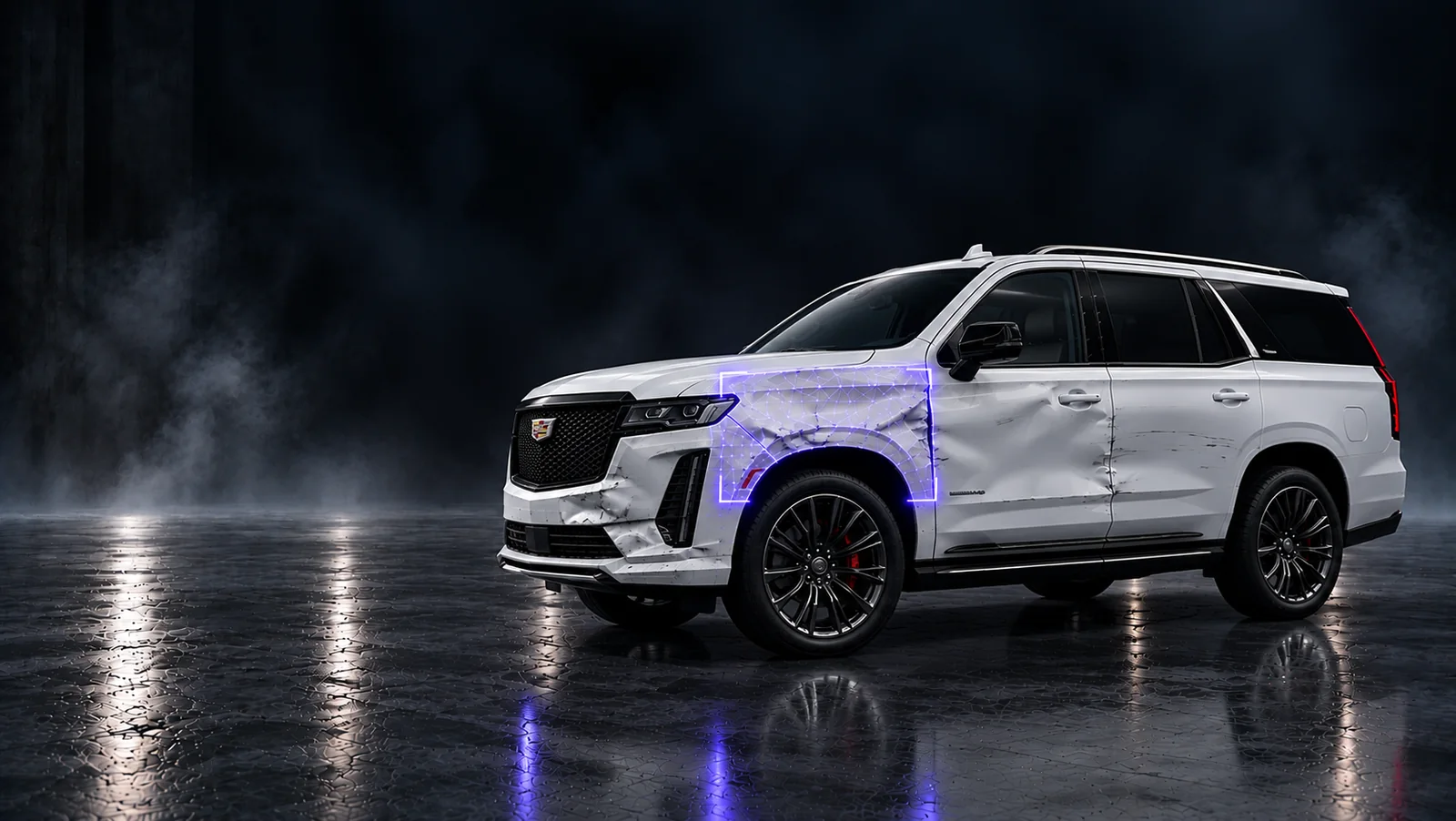
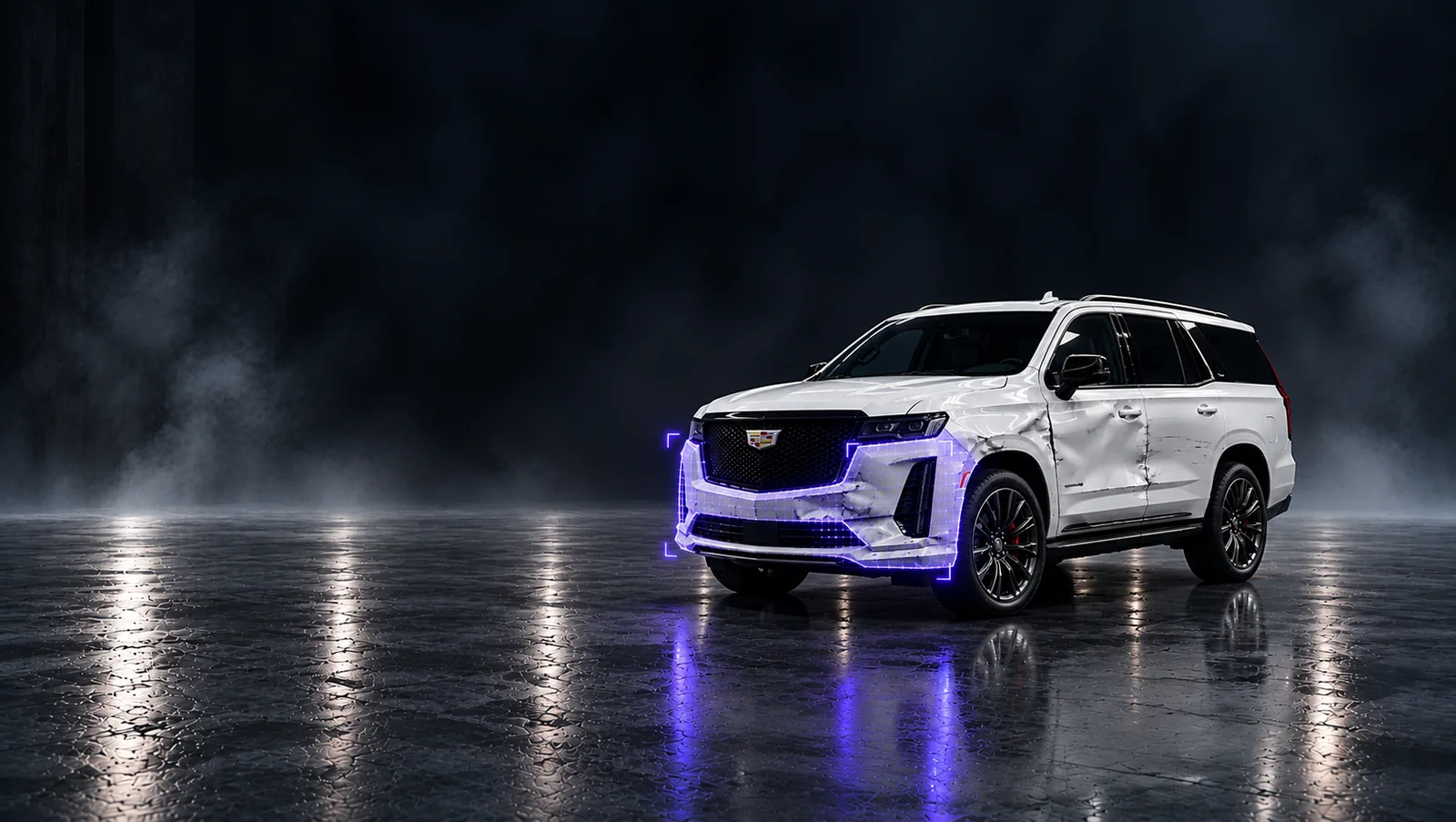
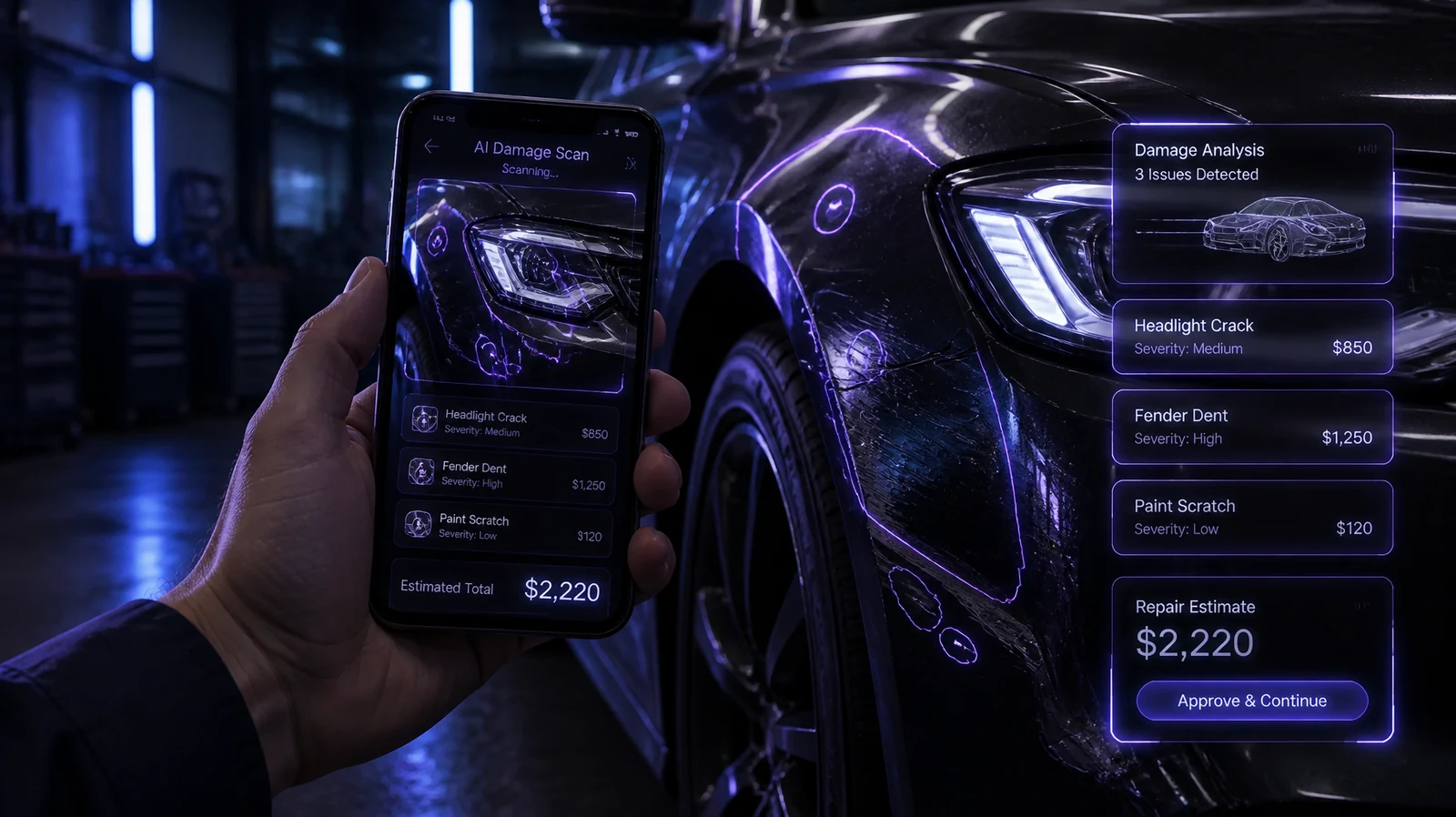
You give the software a set of photos of a vehicle. It returns a map of visible damage: which panels are affected, what kind of damage it reads as, and an estimate of the repair.
No scanner, no extra hardware, no customer download you have to police. The camera is the sensor.
How it works in a shop, step by step
- Snap. The customer takes a handful of photos in the Katalyst app, or submits them through AI chat on your website when they enquire. The app guides the shots so the panels that matter are covered.
- Detect. Fusion AI analyses the photos, detects and maps the visible damage, and generates a damage report. It also estimates the repair cost from the damage it found.
- Repair. The job arrives at the shop with a report attached. Your team starts from mapped damage instead of a fresh walkaround, and the customer already understands why the number is what it is.
That is the whole loop. The value is not that a machine inspects for you. It is that the inspection has already started before the vehicle reaches your bay.
Where it fits in the shop day
The obvious use is intake. A customer enquires on your website in the evening, sends photos, and by the time your writer looks at it in the morning there is a damage report waiting instead of a voicemail.
Less obvious but more valuable is the supplement conversation. When the number goes up after tear-down, the customer has already seen the photos and the mapped damage that came with them. Explaining a supplement with evidence is a different conversation from explaining it from memory.
And across a multi-location operation, a consistent detection step means every shop starts from the same kind of report rather than each writer's own standard for what counts as damage.
What to check before you buy one
- Does it map panels, or just say "damage found"? A list of flagged panels is usable inside an estimate. A vague severity score is not.
- Does it estimate, or only detect? Detection without an estimate still leaves your writer doing the maths.
- Where does the result land? If the report lives in a separate tool from your estimate, leads and payments, you have added a step rather than removed one.
- Does it work on real customer photos? Phone shots in poor light are the actual input. Demo photos on a clean car prove very little.
- Does it keep your own labelling and pricing? The model should fit how your shop already writes work, not replace it.
What AI damage detection will not do
It will not replace a technician's judgement, and it should not claim to. Hidden structural damage, mechanical faults and anything under the panel are still found by people with tools. What it does is make sure the visible damage is written down, consistently, before the customer arrives.
Common questions
Do customers need to install anything?
They can use the Katalyst app, or submit photos through the AI chat on your website.
How accurate is it?
Accuracy depends on the photos. That is why the app guides the shots and asks for a full set rather than one picture of the bumper.
Does it work for collision and general repair?
Katalyst is built for auto repair and collision shops, covering visible damage across body panels.
What happens to the photos?
They form the damage report attached to the job, which is also what makes them usable in a customer or insurer conversation.
Start with the missed repair
The realistic way to judge AI damage detection is not a demo of the model. It is counting the repairs your shop wrote off as "nothing there" last month. Book a demo and we will show you what Fusion AI finds in your bays.
Continue the workflow
Connect the damage record to the supplement conversation.
Keep documentation consistent across locations.
Related product workflows
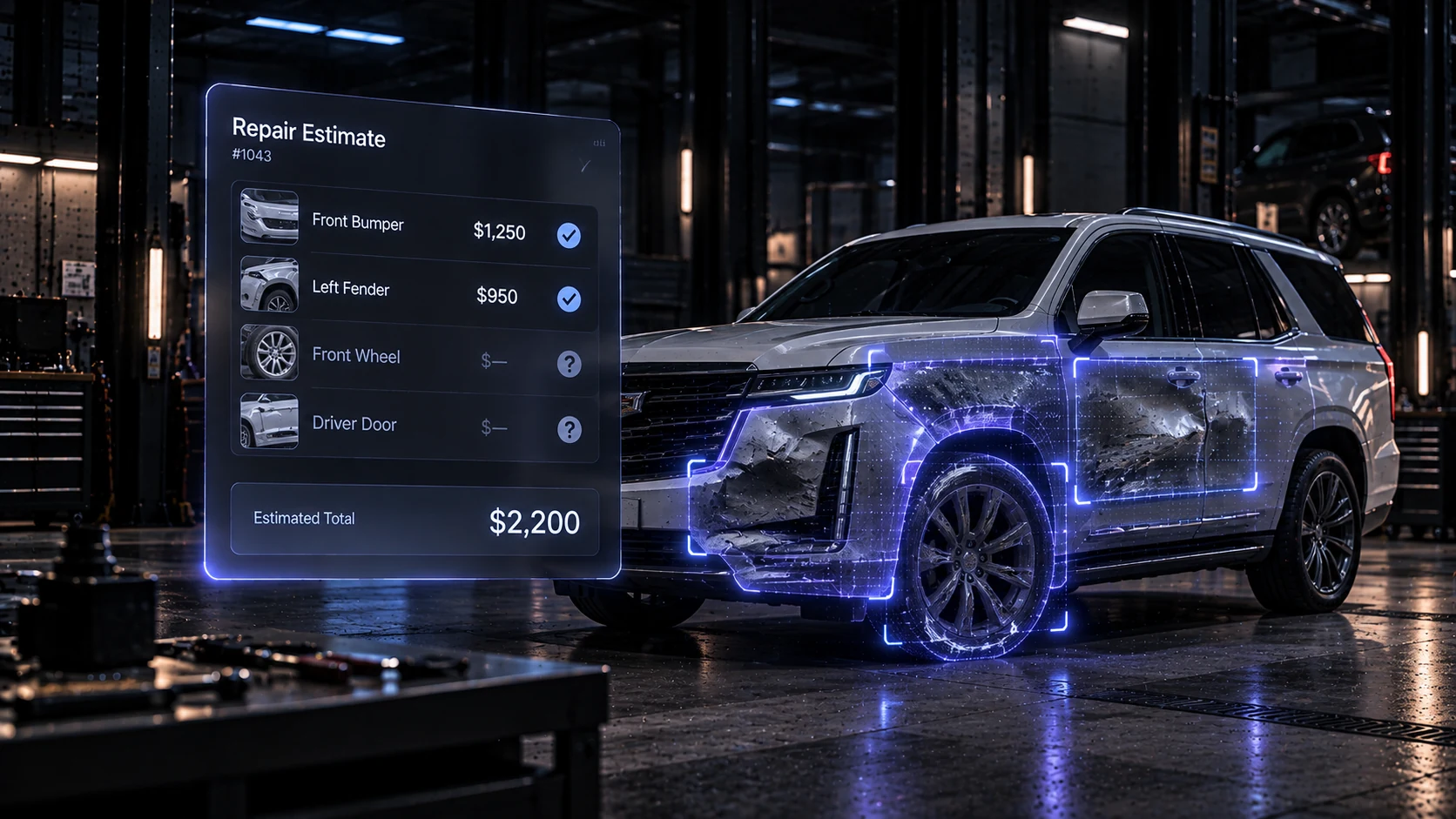
Review photo findings alongside the estimate in Revenue Engine.
 Insights
Photo evidence for a clearer repair estimate
Use wide views and close-up photos to explain visible damage, record open questions and support an estimate review.
 Product
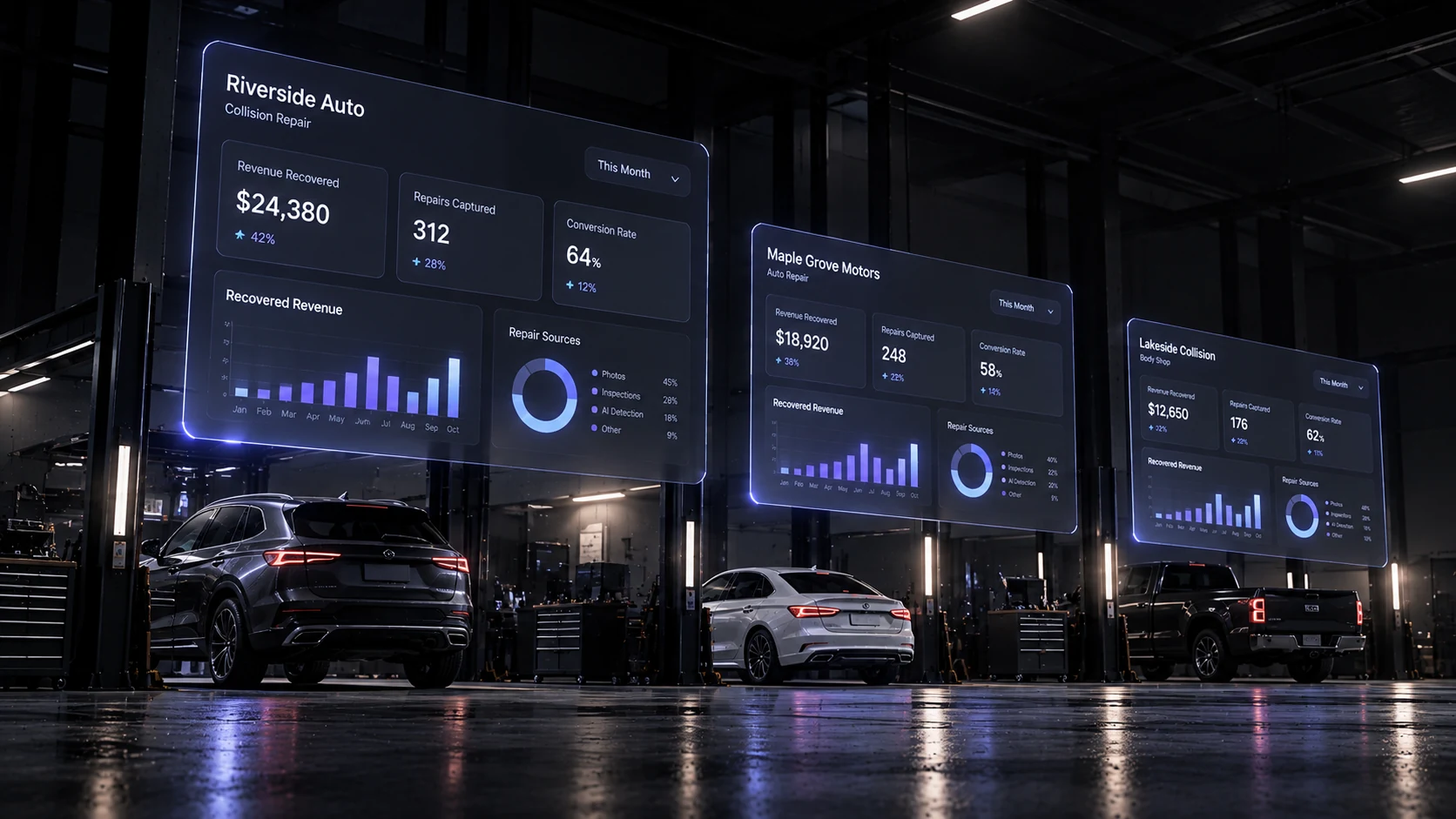
One dashboard for every shop
Hub gives multi-shop owners a shared view of repair activity across locations. See how to review performance and follow work from one dashboard.