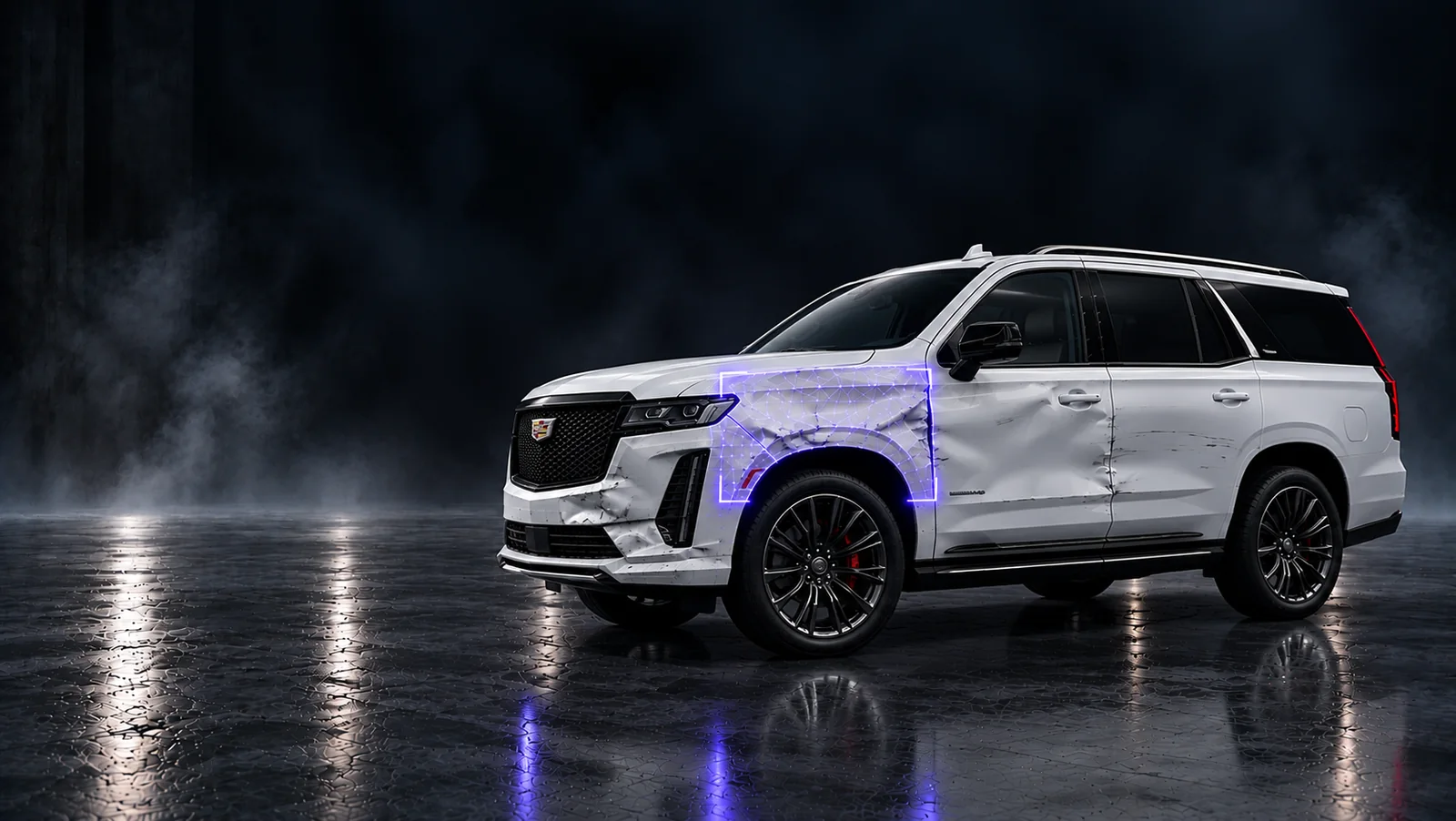
Collision Shop Digital Intake Checklist
A practical 24-point checklist for collision shop intake: customer details, vehicle identification, damage photos, permissions, and a clear estimator handoff.
Download the fillable Collision Shop Digital Intake Checklist (PDF).
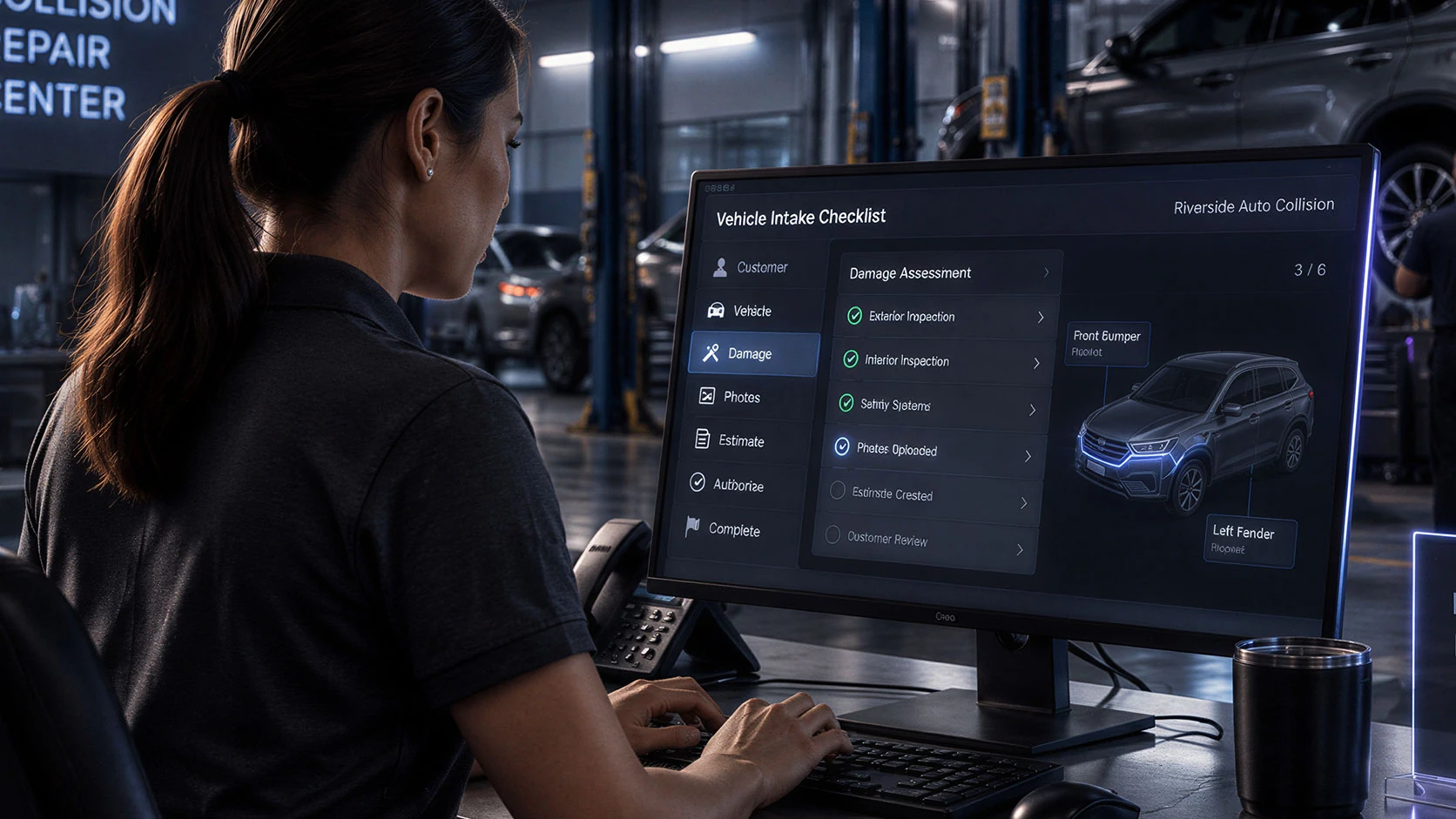
A useful intake record lets the next person understand the job without rebuilding the conversation. Use these 24 checks at first contact and vehicle arrival, then hand off one organized repair file.
Check an item only when it is complete. If it does not apply, note why in the job record. Record missing information with an owner and a follow-up time. This is a workflow aid, not a repair authorization or a vehicle-specific inspection procedure.
Customer and job details
Make it clear who needs help, how to reach them, and who owns the next step.
- Confirm the customer's name, preferred contact method, phone or email, and best time to reach them.
- Record the vehicle owner's details if different from the person arranging the repair; identify who can approve work.
- Create one job or lead ID, select the correct shop location, and assign the intake owner.
- Record the inquiry source, requested service, appointment or drop-off time, and next customer update.
Vehicle and arrival details
Identify the actual vehicle and document its arrival condition.
- Record year, make, model, VIN, and odometer reading when accessible; verify details against the vehicle at arrival.
- Record whether it was driven or towed in, its parking location, and the keys or accessories received.
- Identify EV or hybrid powertrain information and record reported warning lights, leaks, smoke, unusual odors, or other concerns.
- Route safety concerns to qualified staff using the shop's OEM-specific procedures; do not infer that a vehicle is safe to drive from photos.
Incident and condition notes
Keep the customer's report separate from the shop's observations.
- Record the incident date, the customer's description of the impact, and the areas they want inspected.
- Record customer-reported warning lights, drivability concerns, unusual noises, or changes since the incident.
- Document visible condition and pre-existing damage at check-in; label uncertain items rather than guessing their cause.
- Record the insurer, claim number, and claim contact if applicable; mark unavailable information as pending.
Damage photo coverage
Capture context first, details second, and check the files before the handoff.
- Capture front, rear, both sides, and four corner views when safe and accessible; note any views that cannot be captured.
- For each visible damage area, capture an overall view, a medium view showing its location, and a sharp close-up.
- Capture VIN and odometer references when accessible, plus relevant warning indicators and pre-existing condition; avoid unrelated people and belongings.
- Check focus, lighting, glare, and completeness; attach original files to the correct job and label areas without editing away damage.
Permissions and supporting records
Document what has been agreed and keep the supporting material with the job.
- Explain how contact details and images will be used, who may receive them, and the shop's privacy notice; record relevant permissions.
- Keep service-message preferences separate from marketing choices; do not treat a repair inquiry as a marketing opt-in.
- Attach any existing estimate, insurer correspondence, customer-provided records, and applicable signed shop authorizations.
- Confirm the scope of any authorized inspection, teardown, storage, or repair using the shop's applicable forms; flag missing approvals before work begins.
Estimator handoff and follow-up
Give the receiving team one file, a clear status, and an accountable next action.
- Review the job with the estimator: customer concern, vehicle identity, condition notes, photos, documents, and unresolved questions.
- Assign review of current OEM inspection, scanning, and calibration requirements; record who will address them and when.
- Mark intake complete or waiting on information; give every open item an owner, due time, and customer update plan.
- Record the receiving estimator and handoff time; confirm the next appointment or update without promising price or completion before assessment.
The handoff in one line
Job ID | Shop location | Intake owner | Receiving estimator | Arrival status | Missing items + owners | Next action + due time | Customer update time
Keep the checklist in context
Photos support intake and documentation. They do not establish complete damage, repair scope, required calibrations, or roadworthiness. Qualified staff should use current OEM procedures for inspection and repair planning. Follow the shop's applicable authorization and privacy requirements.
Continue the workflow
Explore Katalyst Hub for leads, customer records, and shop workflows.
I-CAR RTS: Vehicle Check-In Process
I-CAR RTS: Body Shop Business - EV Intake Process
I-CAR RTS: ADAS Collision Repair Diagnostics Process
 Insights
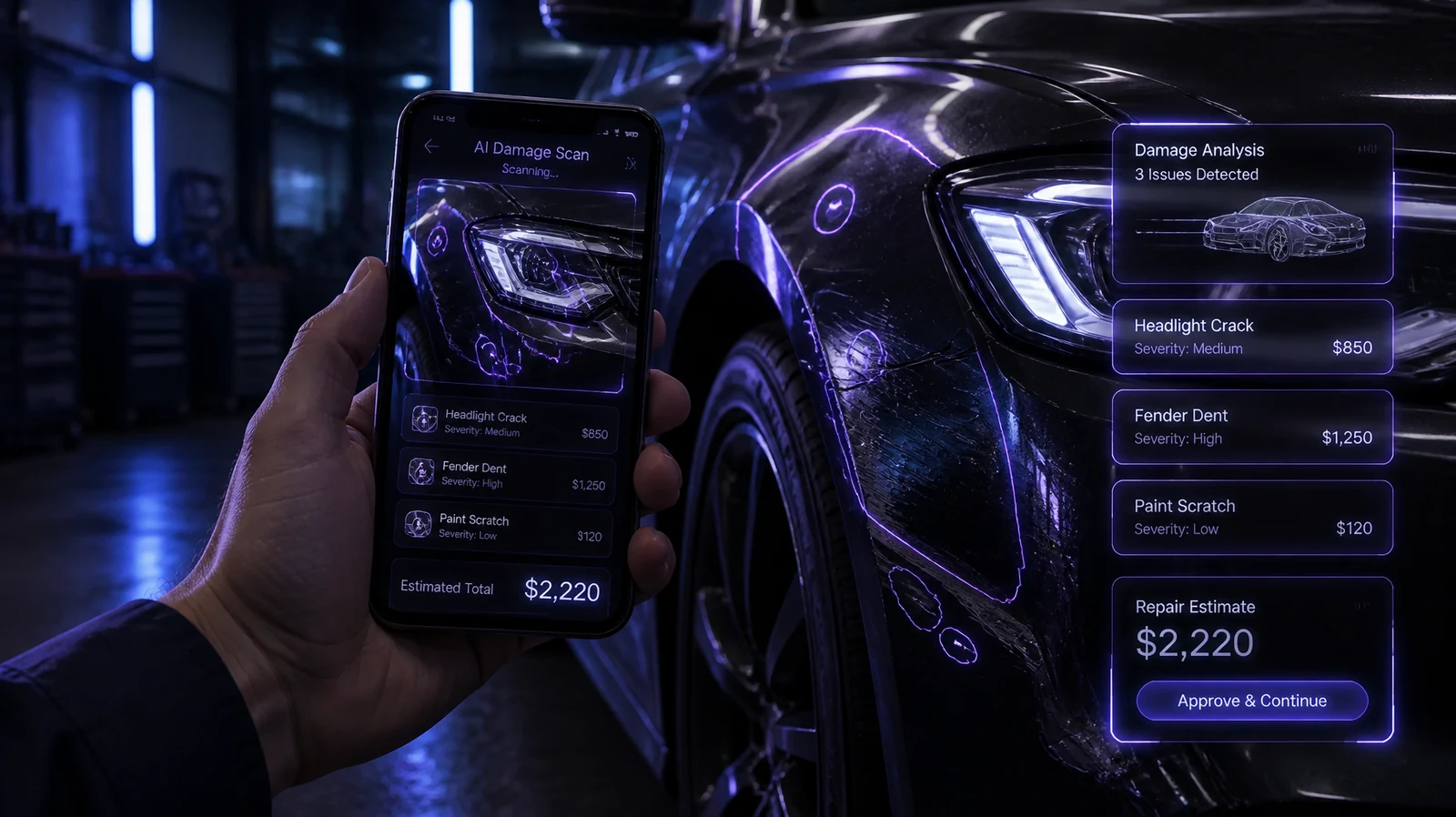
AI for Auto Repair Shops: A Beginner's Guide to Photo-Based Damage Detection
How photo-based AI damage detection works in a repair shop, where it fits in the day, and what to check before you trust one with your estimates.
 Insights
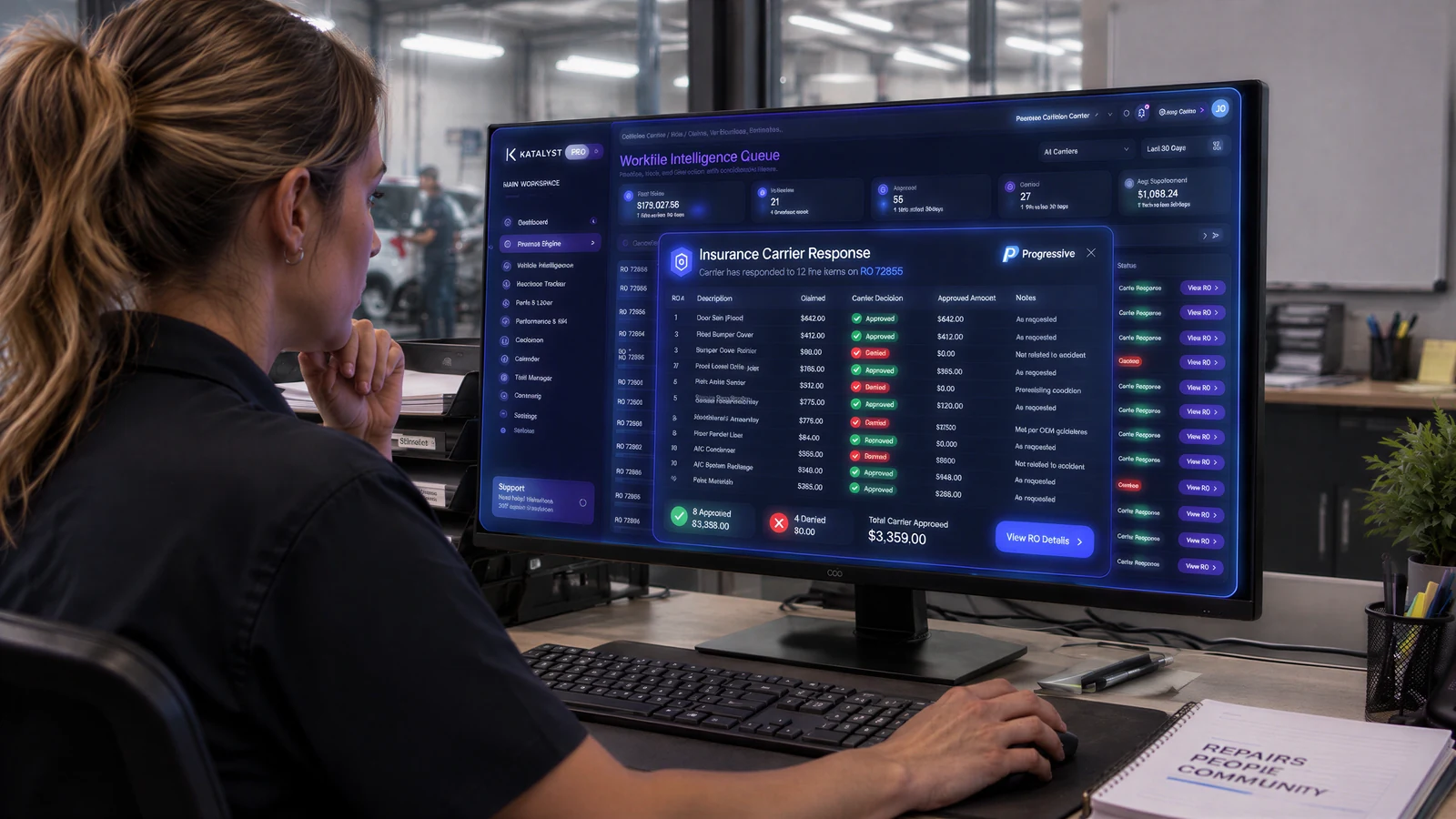
Insurance Supplements for Auto Repair Shops: Straight Answers to the Questions Owners Ask
Why supplements get denied, when to document damage, and how to make the customer conversation shorter. Straight answers for auto repair shop owners.